

True RoboAnimator
Animation that real robots can drive.
A Blender add-on that turns keyframed chassis motion into engineering-accurate animation for wheeled robots: no sideways slip, wheel angles worked out frame by frame, and data that can drive hardware.
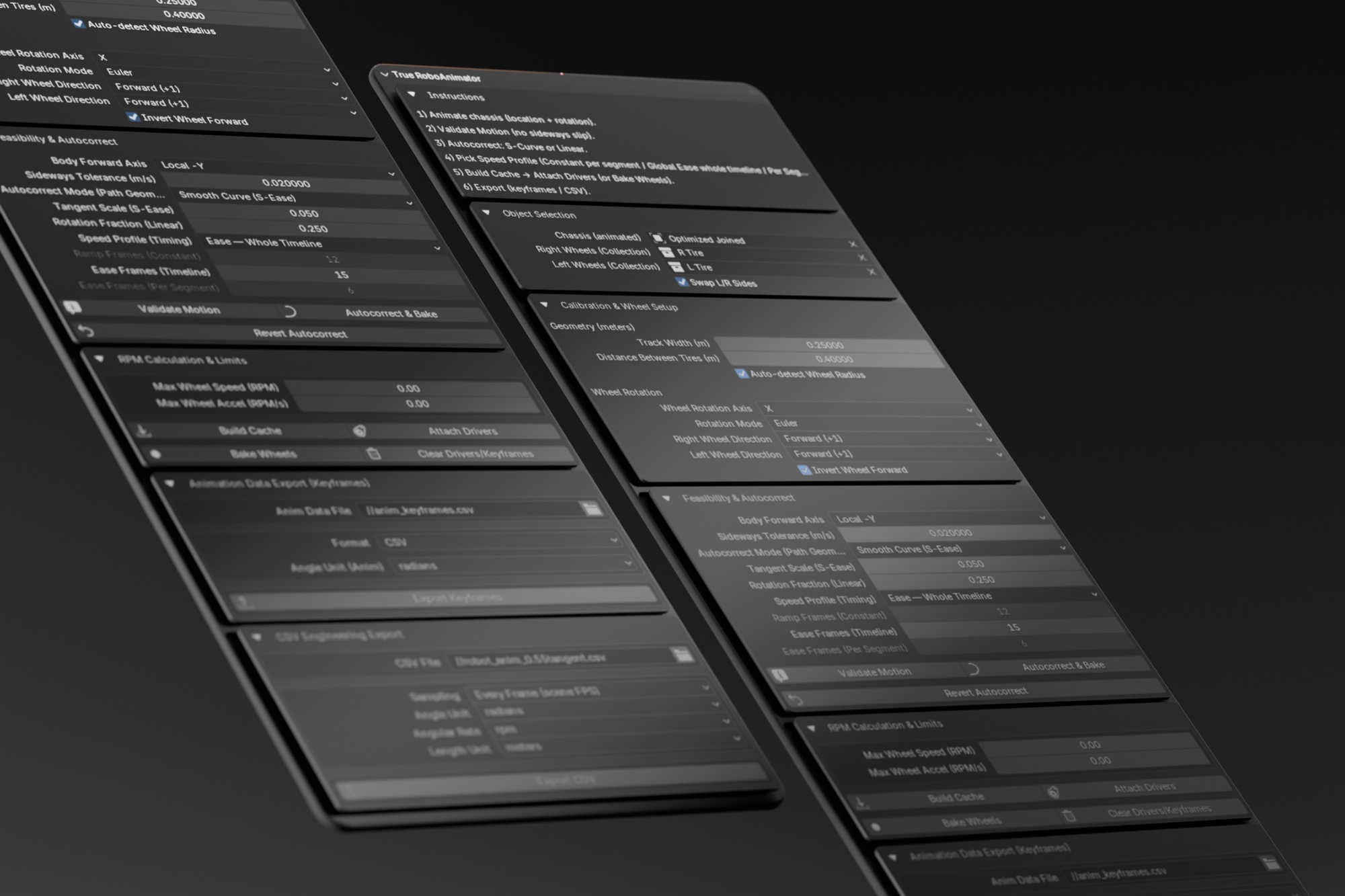
A keyframed robot can glide sideways or spin its wheels at any speed. A real one can’t. True RoboAnimator checks every frame against the robot’s kinematics and fixes the path before anyone builds it.
Get the highlights.
-
One panel, top to bottom. Rig setup, calibration, motion path and wheel drivers, then import and export.
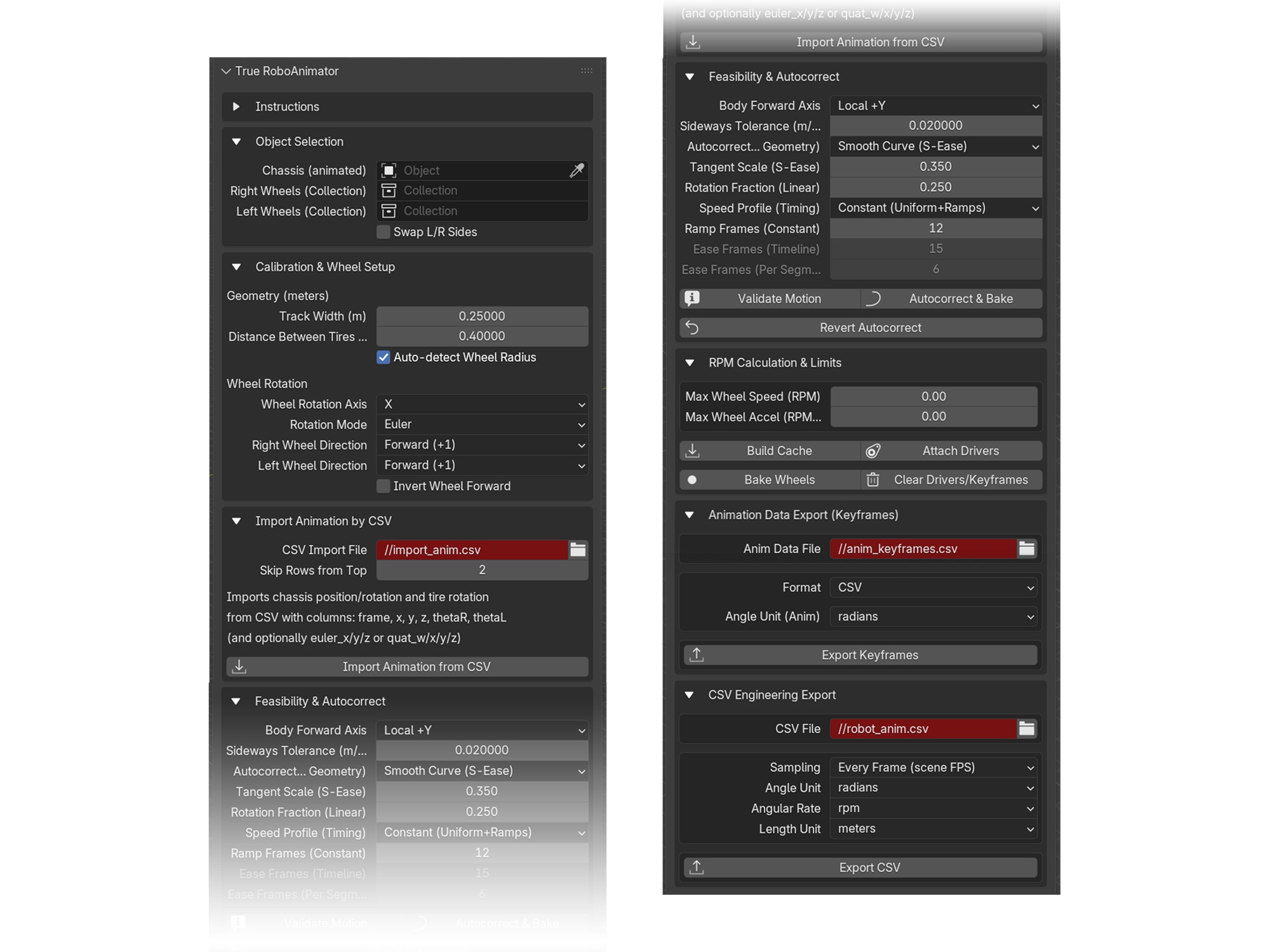
Built on kinematics.
For robotics engineers and technical animators who need motion a real robot could follow.
Slip detection. Every frame of chassis motion is checked for sideways slip against a tolerance you set.
Two ways to fix a path. S-Ease smooths it into Bézier curves within the robot’s turning limit; Linear rotates in place, drives straight, then turns to the final heading.
Speed profiles. A trapezoid with acceleration ramps, one ease across the whole timeline, or an ease inside each segment.
Angles for every frame. Left, right and caster angles, with RPM and angular acceleration, cached per frame.
Automatic drivers. Rotation drivers on every wheel, in Euler or quaternion, each from its own rest orientation.
CSV in and out. Export time, pose, wheel angles and rates for engineering, or import trajectories back.
Safety limits. Caps on wheel speed in RPM and angular acceleration in RPM per second.
Viewport helpers. A forward arrow, color-coded wheel axes and both paths, drawn live through geometry.
Blender 4.2 to 5.0. A compatibility layer for slotted actions keeps reading and writing animation safe across versions.
Four ways to roll.
Pick the layout that matches the robot; the panel shows exactly the wheel slots it needs.
Two driven wheels; the robot turns through the difference in their speeds.
A passive caster pivots freely; its spin follows the forward travel of the chassis center.
Both wheels on a side share one angle.
Rocker-style skid-steer, with the same per-side sharing as four wheels.
The math, in the open.
Per-side wheel angles follow classic differential-drive integration. A caster ignores yaw: it pivots freely, so its spin tracks the forward travel of the chassis center.
Positive angles and rates always mean the wheel rolls forward, whatever way its model is oriented.
From keyframes to hardware.
Eight steps, in the order the panel lays them out.
Rig up
Set the chassis and the wheel count, then assign each wheel slot.
Calibrate
Track width, wheel radius or auto-detect, and the rotation axis.
Animate the chassis
Keyframe location and rotation where the path changes.
Validate
Confirm there is no sideways slip.
Autocorrect
Pick a mode and a speed profile, bake, then validate again.
Build the cache
Integrate per-frame angles for every wheel.
Drive or bake
Drivers for live playback, or baked keys for other tools.
Export
An engineering CSV or a keyframe snapshot for hardware.
Tested, published, used.
Evaluated with Blender users
Think-aloud sessions rated it 8.6 of 10 for stability and 8.4 for workflow fit. It then passed Blender’s official extension review.
View the studyRoboAnimator CSV Plotter
Plots the add-on’s CSV as a speed-coded path, a 3D path against speed and an animated timeline, all in the browser.
Open the plotterIn academic work
Sarfraz, D. (2025). True RoboAnimator: Engineering-Accurate Wheeled-Robot Animation Toolkit for Blender. Graduate thesis project, Ulsan National Institute of Science and Technology (UNIST).
Tech specs
- Version
- 1.4.1
- Blender
- 4.2 LTS through 5.0
- Requirements
- Python 3.11, bundled with Blender; no external dependencies
- Robots
- Differential drive (2 wheels), differential drive with a caster (3), skid-steer (4) and rover skid-steer (6)
- Correction
- S-Ease curves with a curvature clamp from the track width, or Linear rotate, move, rotate
- Speed
- Trapezoid with ramp frames, global ease, or per-key ease
- Output
- Engineering CSV at scene rate or a fixed rate in your units; keyframe CSV or JSON; baked wheel keys
- License
- GPL-3.0
- Get it
- Blender Extensions · GitHub