MSc thesis · UNIST · 2026
A design-to-engineering framework for non-humanoid robot actions
The thesis proposes a three-stage framework for designing contextually appropriate physical actions for non-humanoid robots, together with the tools to apply it.
Overview
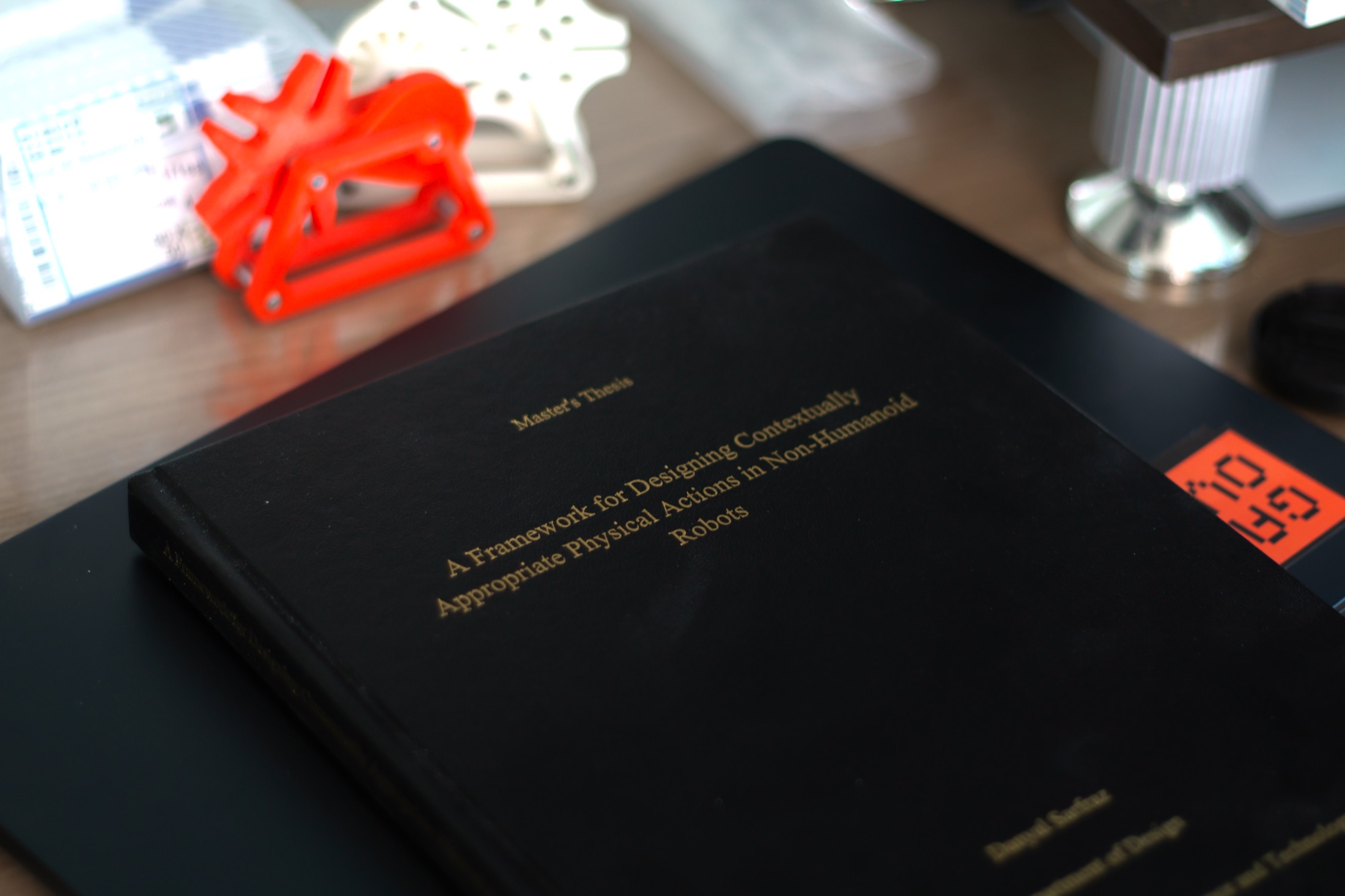
A Framework for Designing Contextually Appropriate Physical Actions in Non-Humanoid Robots
Prof. KwanMyung Kim
Prof. James Self and Prof. Jaeyeon Lee
December 16, 2025. MSc in Engineering Design, February 2026
A Blender add-on, a web CSV plotter, an iOS AR app and a visionOS app
Older and younger participants, Blender users, and seven design and engineering experts
Designers work in animation; engineers need parameters. Design intent is lost in the handoff, and robots end up moving as their motors allow rather than as people need. The thesis addresses this gap.
“How can we create a structured framework for designing and evaluating contextually appropriate actions in non-humanoid robots that balance user experience with engineering feasibility?”
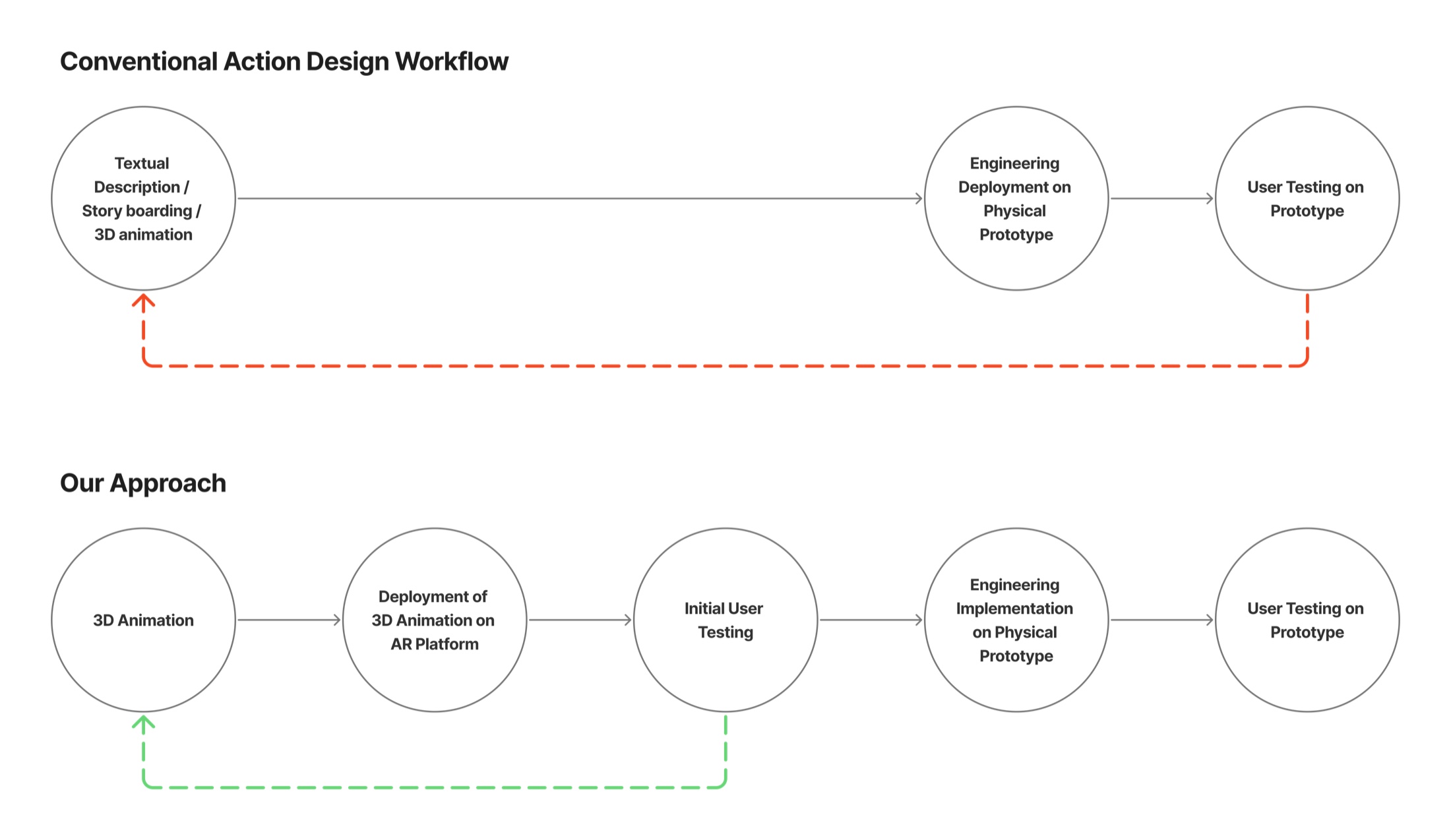
Three stages, with test results feeding back into design
Each stage feeds the next, and test results feed back into design.
-
1
Design robot actions
Build an action catalogue, decompose motion into components, and measure user preferences.
Stage 1 -
2
Integrate and export
Validate animations against the robot’s physical constraints, correct infeasible motion and export data engineers can use.
Stage 2 -
3
Test in augmented reality
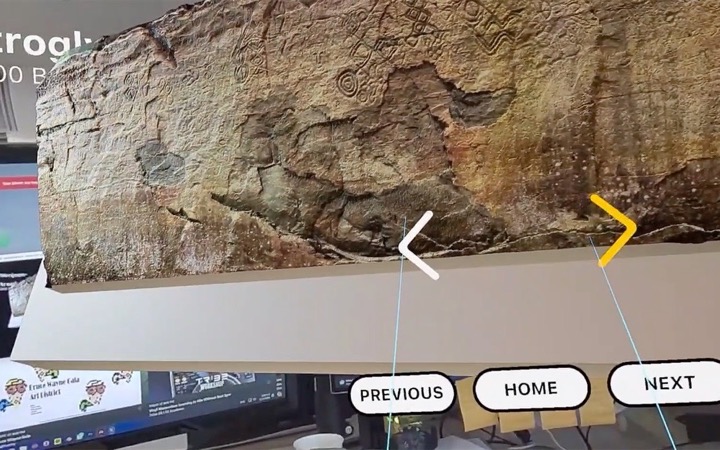
Place the life-size robot in people’s own homes with AR on iPhone, and check it on Apple Vision Pro, before the hardware ships.
Stage 3
Stage 1 · Design robot actions
Component-based action design grounded in user preferences
This stage applies the method from the Lemmy study. A designer workshop produced a 22-action catalogue, interviews identified four motion components, and paired comparisons measured preferences.
An early round with 36 younger, multinational participants favored curved paths, whereas older adults preferred straight ones, indicating that motion preferences vary by user group. In the validation study, actions built from older adults’ preferred components scored 7.7 out of 10, against 5.3 for non-preferred ones.
Learn more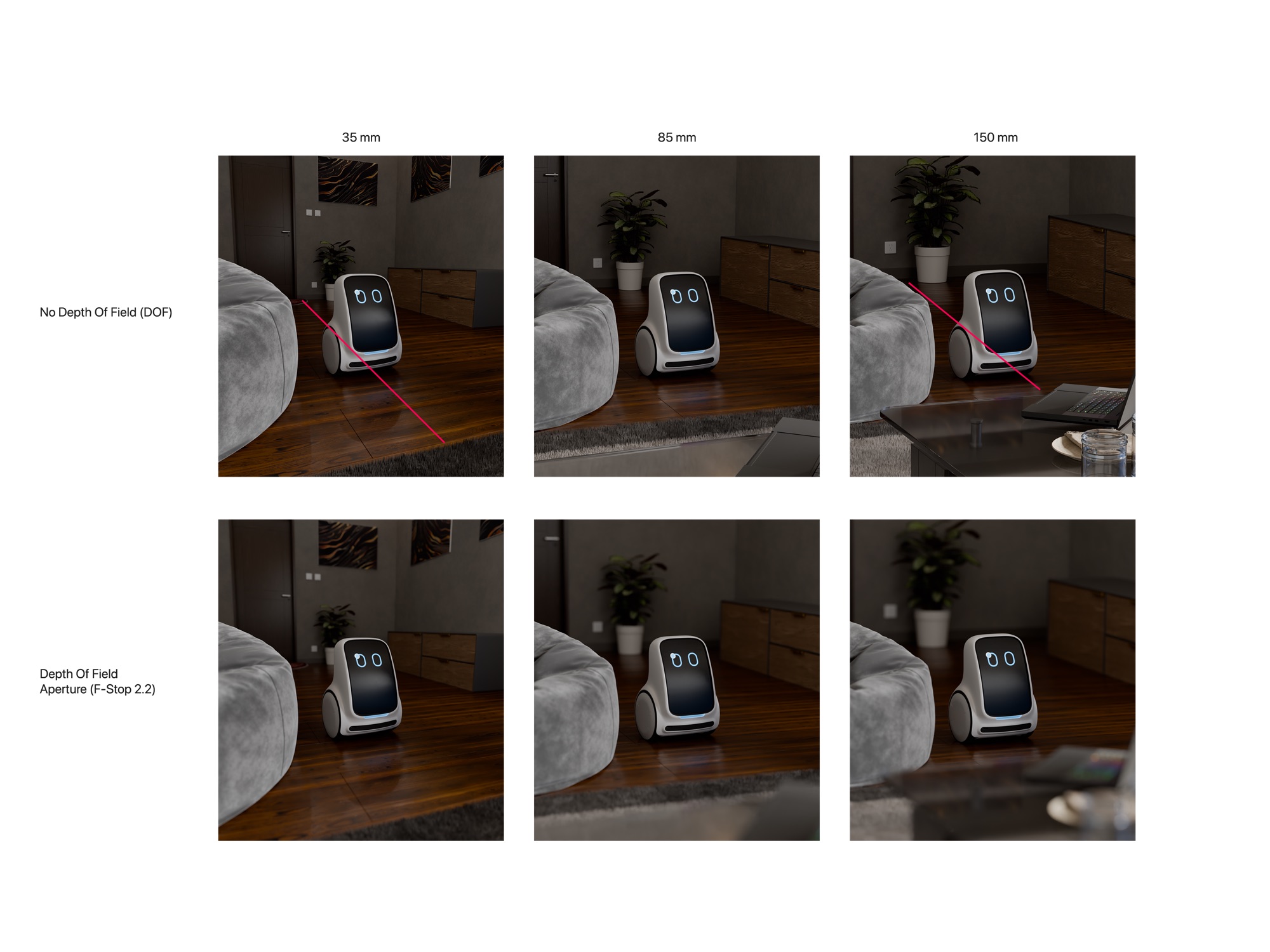
Stage 2 · Integrate and export
Plausible animations can be physically infeasible
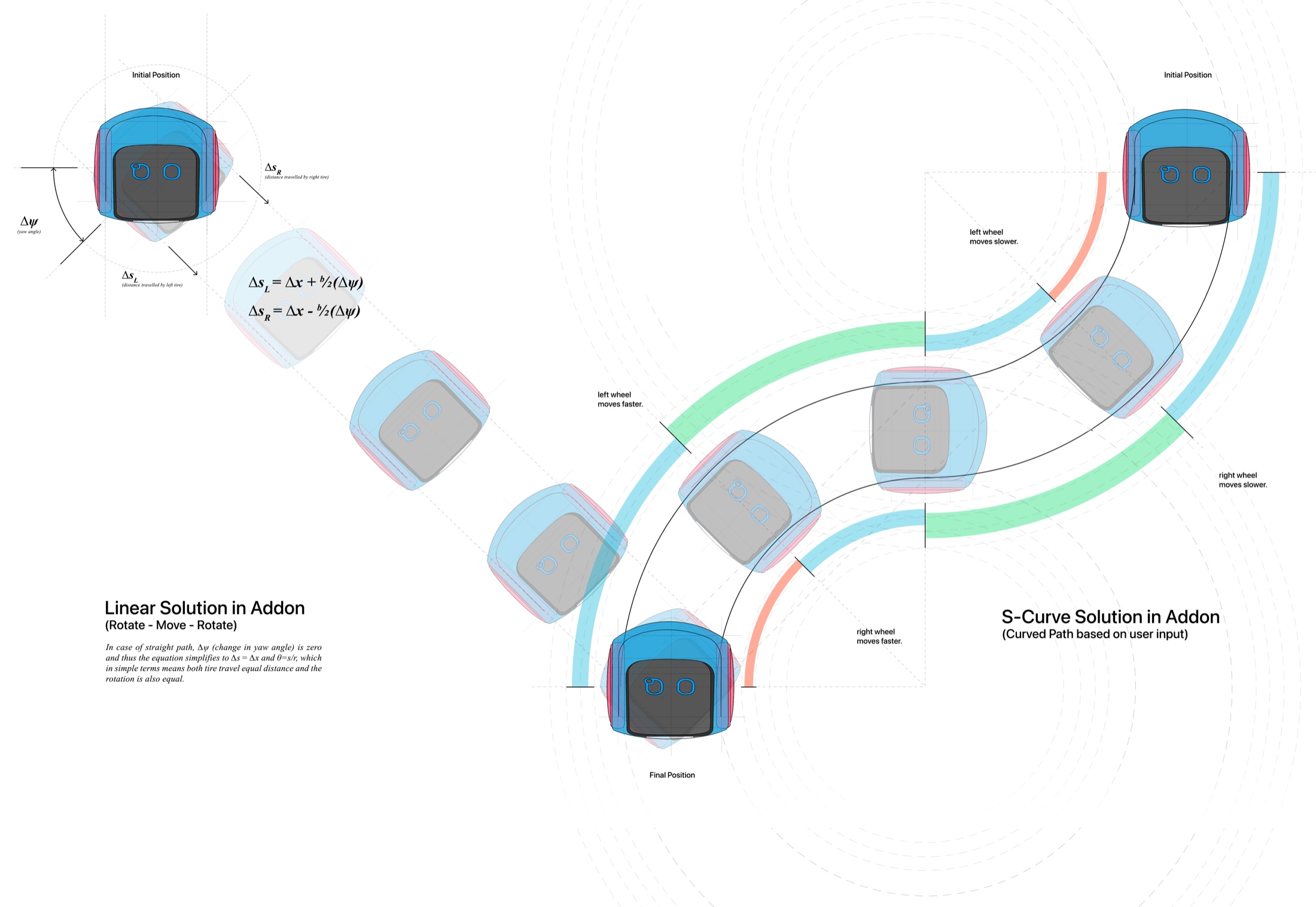
A two-wheeled robot cannot slide sideways, and a gentle-looking move can demand wheel speeds no motor can deliver. I developed True RoboAnimator, a Blender add-on that enforces these constraints during animation.
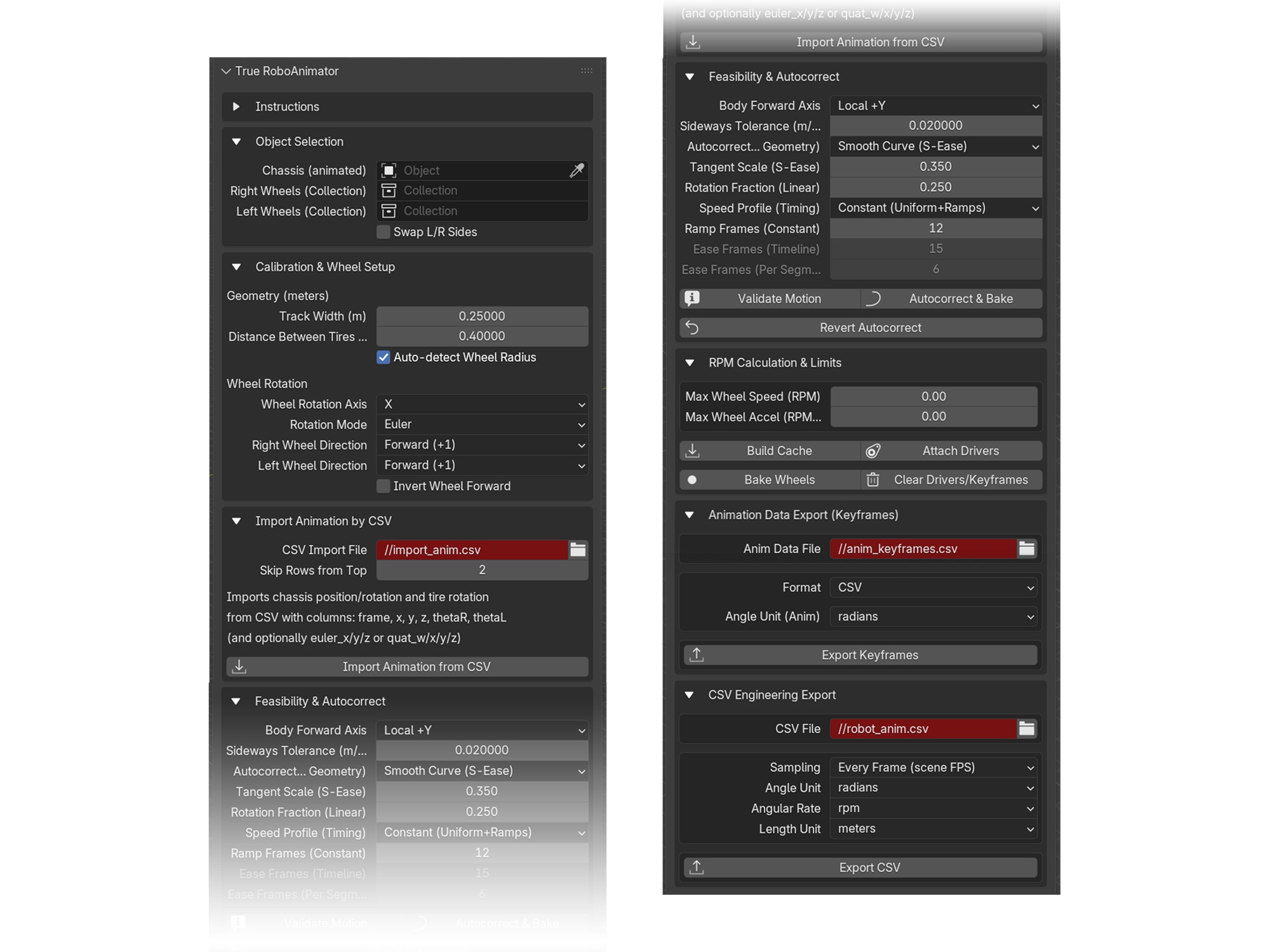
Validation, correction and export
Validate motion. Flags every frame in which the robot would have to slide sideways.
Autocorrect. Replaces infeasible paths with a smooth S-curve or a rotate–move–rotate sequence; corrections are reversible.
Wheel kinematics. Computes left and right wheel angles and RPM, with limits on speed and acceleration.
Engineering export. Per-frame or fixed-rate CSV, keyframe CSV or JSON for AR, and a web plotter for reviewing the data.
Blender user ratings of True RoboAnimator
Mean rating out of 10 from external Blender users after a think-aloud session
No crashes were reported. Ease of understanding scored lowest, so the next version should expose its intermediate steps rather than act as a one-click black box. The add-on subsequently passed Blender’s official review and was published on Blender Extensions, where it has more than 7,000 downloads.
Stage 3 · Test in augmented reality
Life-size AR testing in participants’ homes
Screens shrink robots and flatten motion. A native iPhone app anchors Lemmy to the floor at true scale, so participants can observe its motion relative to their own furniture.
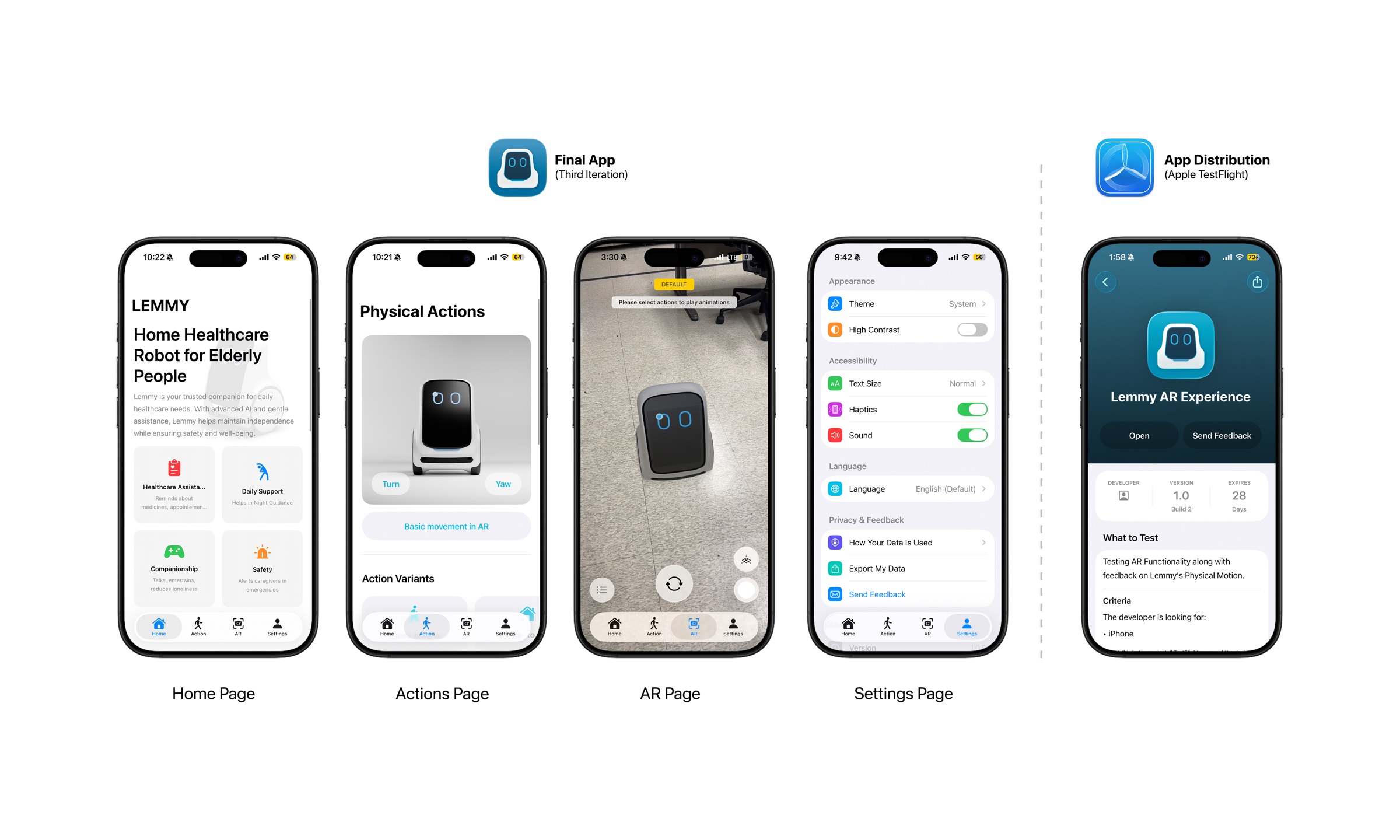
A native implementation, from CAD to device
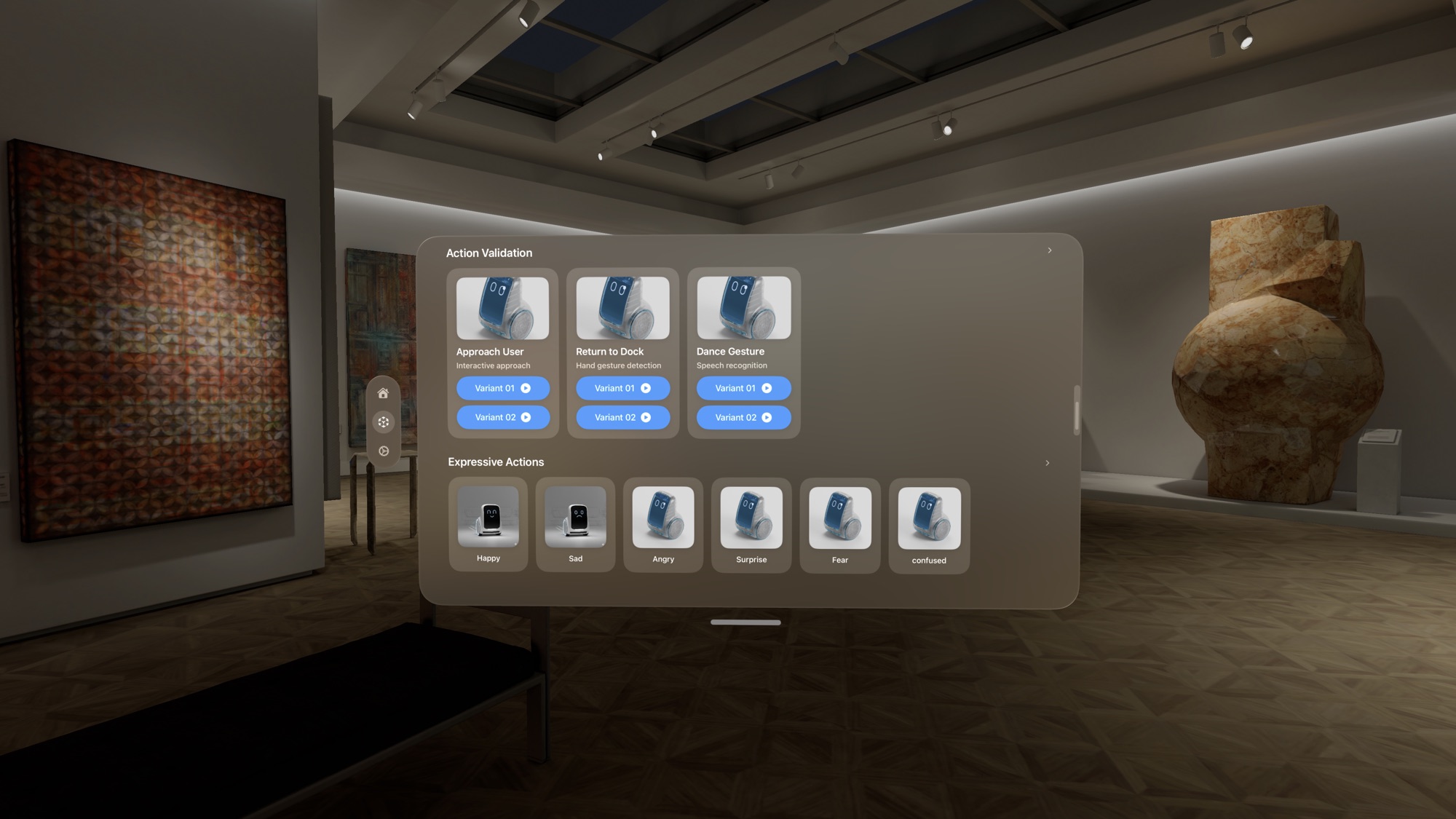
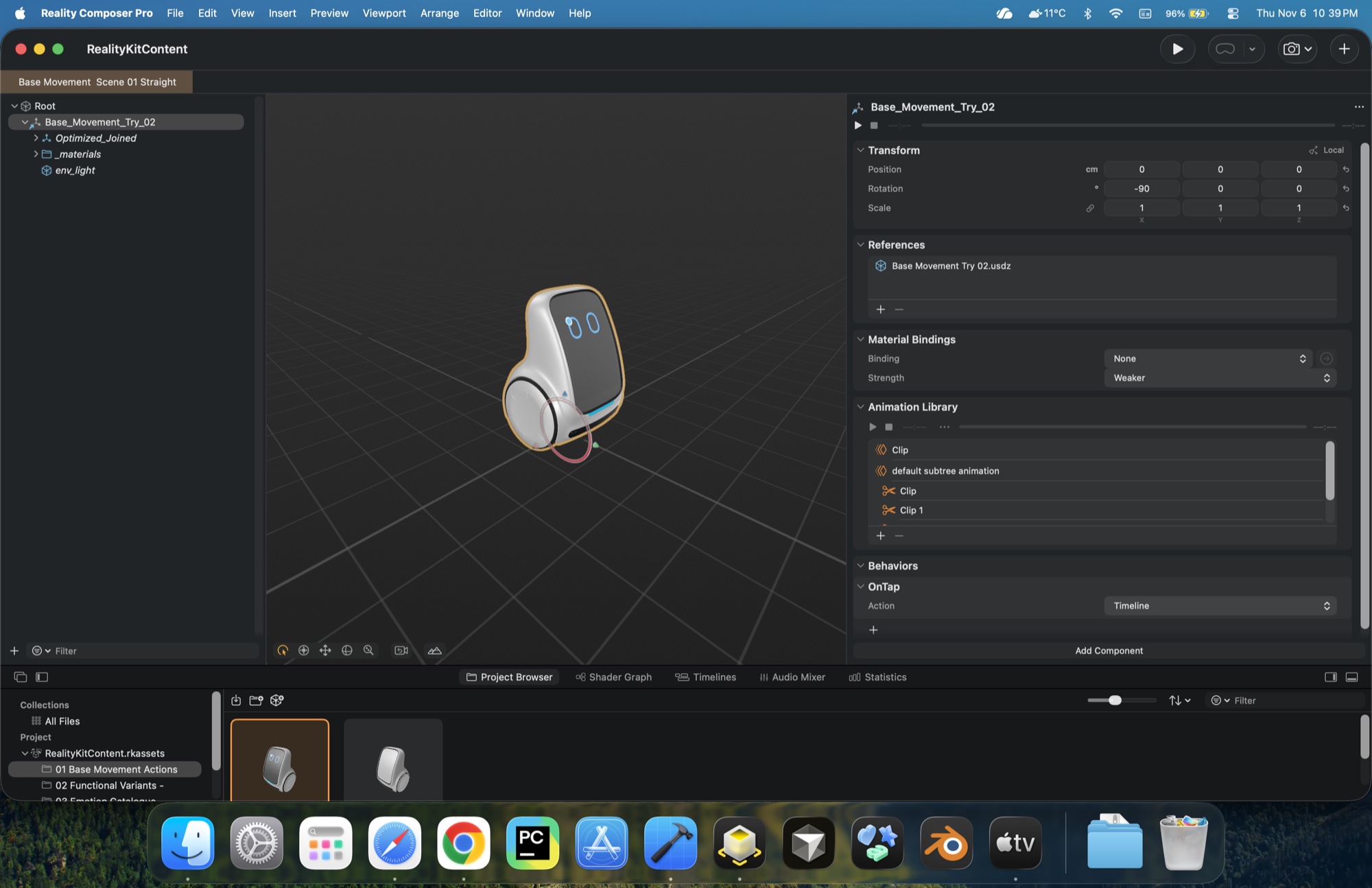
The app is written in Swift with SwiftUI, ARKit and RealityKit. It anchors the robot to the floor and supports placing and repositioning it on detected planes, pausing with a pinch, and capturing screenshots without the interface. It includes 20 animations grouped as base, functional and expressive.
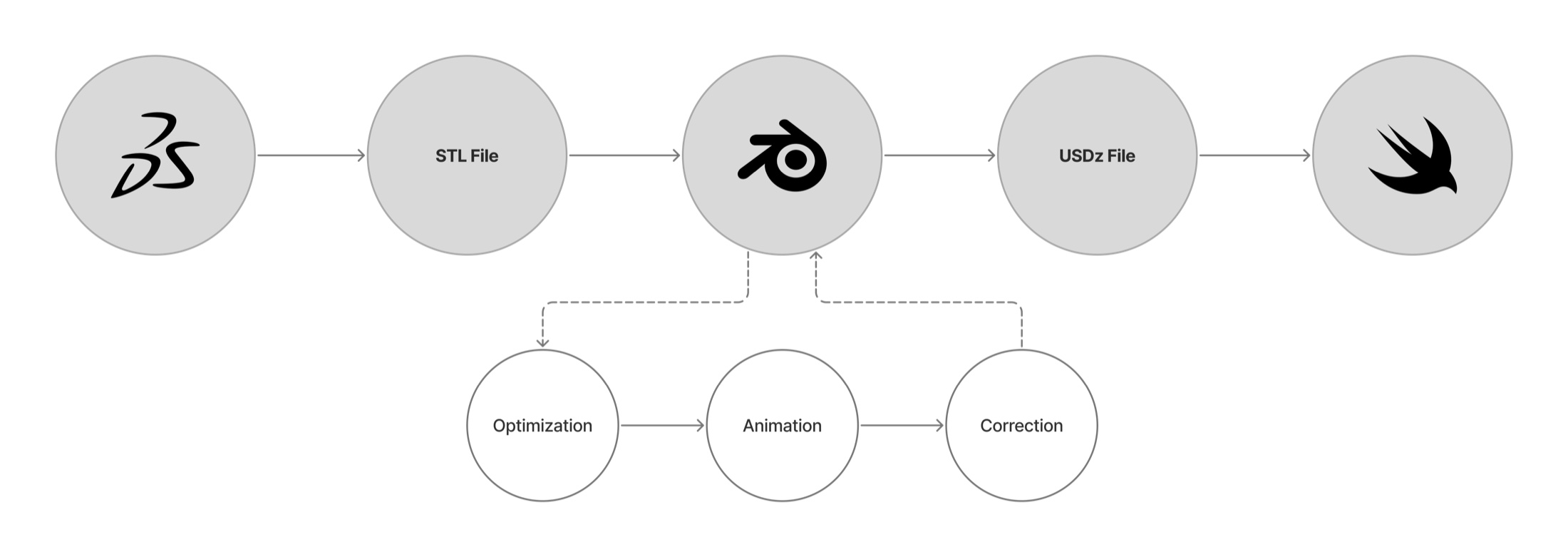
Each animation originates from Lemmy’s engineering CAD, passes through Blender and the add-on, and ships as USDZ, so what people see in AR matches what engineers receive.
Participant ratings of the AR experience
Mean rating out of 10. Participants aged 17 to 29 used their own iPhones at home.
AR made size and paths legible. Participants could judge the robot’s size, the direction it faced and where it was heading, relative to their own space.
Motion alone did not convey emotion. Shown without labels, expressive movements were often misread. Fast motion was read as alertness, and many participants described Lemmy as pet-like.
Expression requires multimodal cues. Future work will pair motion with the robot’s screen and sound cues rather than rely on movement alone.
Expert evaluation of the full framework
Seven experts in their twenties, with two to six years of post-bachelor’s experience, reviewed the full framework. Four were from design (UI/UX, industrial and product design, XR) and three from engineering (robotics software, VR/AR, mechatronics).
Expert ratings after the walkthrough
Mean agreement out of 10
Expert concerns define the next steps
Experts valued the adjustable motion components (“knobs”), the support the framework gives 3D artists, and the CSV exports. They also raised concerns:
- The screen, sound and distance channels are not yet covered.
- AR cannot convey motor noise or weight.
- Generalization to more complex robots is unclear.
- The validator’s one-click behavior is difficult to trust.
These limits define the next steps: replicate the preference studies across ages, cultures and robots; support more drive types; add multimodal cues; and test the same exports on real hardware.